Scan, edit & sign any document in seconds.

Scanlio turns your iPhone, iPad and Mac into a pocket scanner and full PDF editor. Razor-sharp scans, searchable OCR, e-signatures, ID & passport capture, and PDF→Word conversion — all processed privately on your device.

Free to download · Works on iPhone, iPad & Mac · No account needed · 🔒 On-device privacy

Scanlio document scanner and PDF editor app on iPhone

Everything you need to go paperless

One app replaces your scanner, PDF editor, signature tool and file converter.

📷

Smart scanning

Automatic edge detection and cleanup. Capture multi-page documents to a single crisp PDF.

🔍

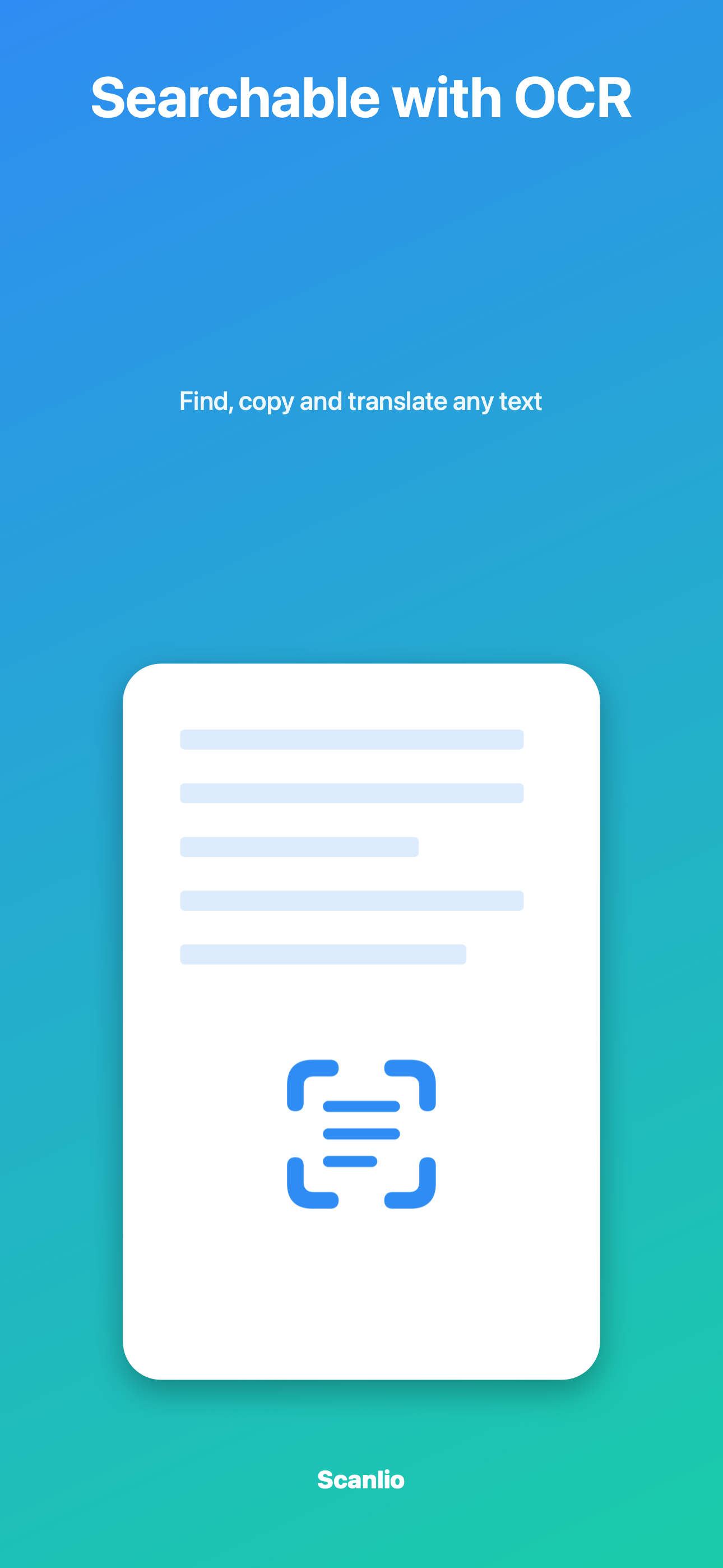
OCR & search

Recognize text in 100+ languages — copy, search and translate any scan.

✍️

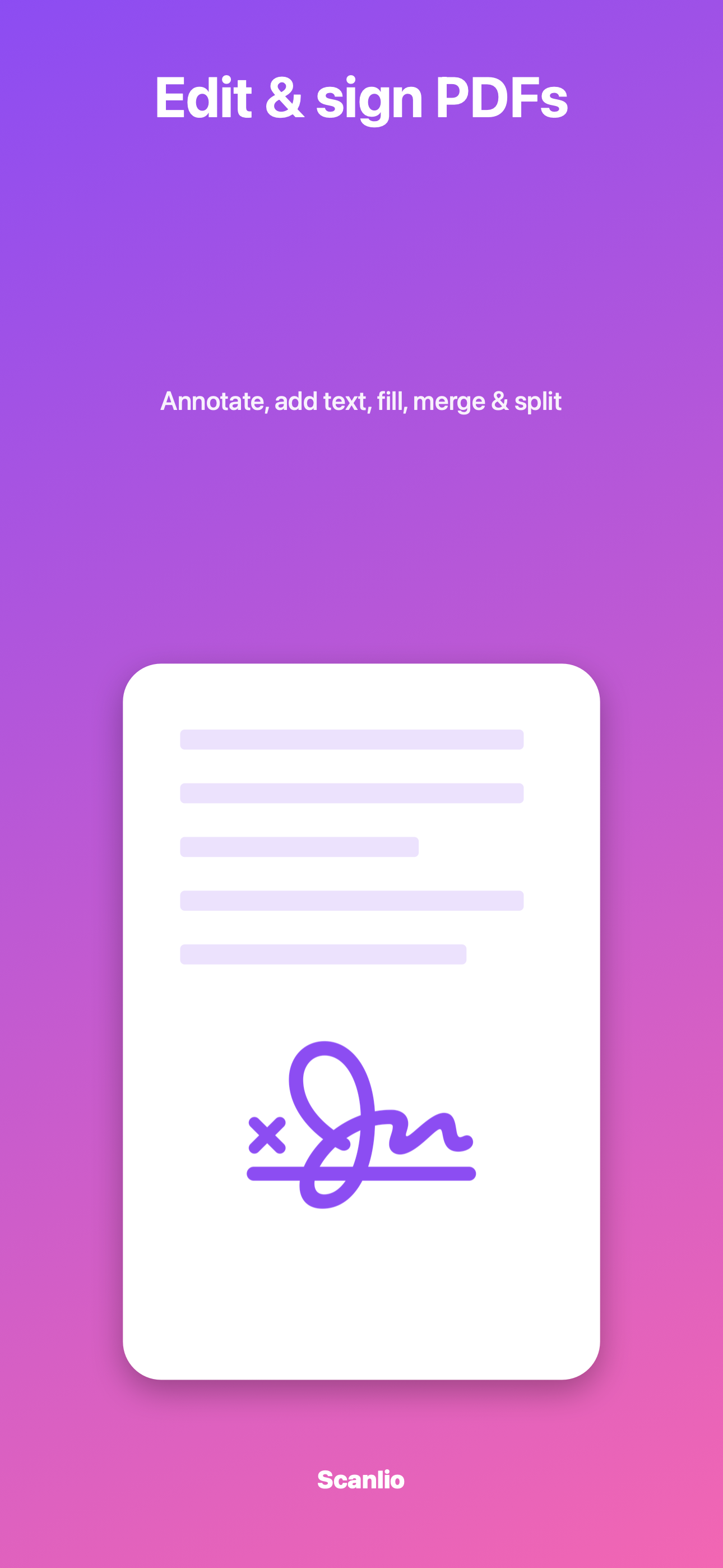
Edit & sign

Annotate, highlight, add text boxes and sign with your finger or Apple Pencil.

🪪

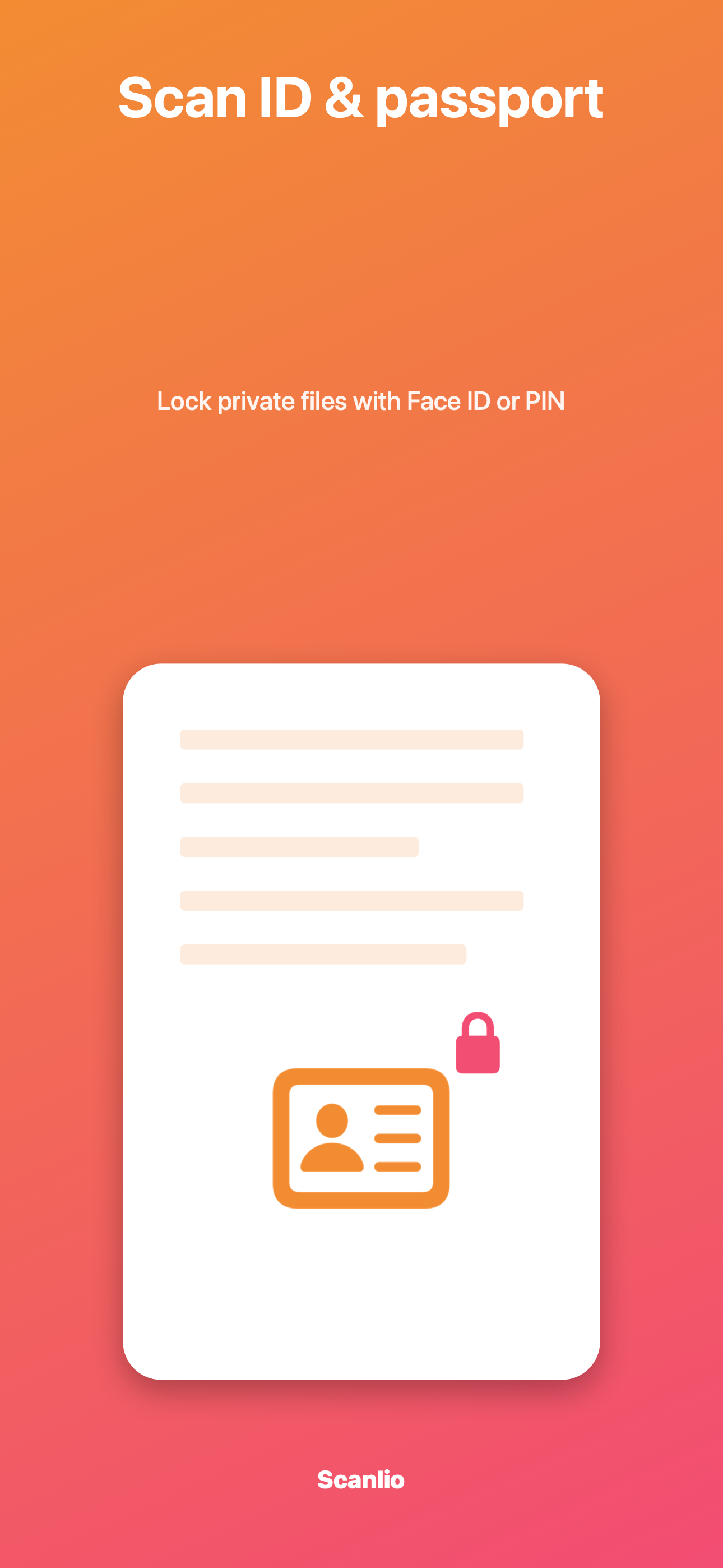
ID & passport

Scan IDs and passports, then lock them privately behind Face ID or a PIN.

🔀

Merge, split & convert

Combine or extract pages and convert PDF → Word, images or text.

📤

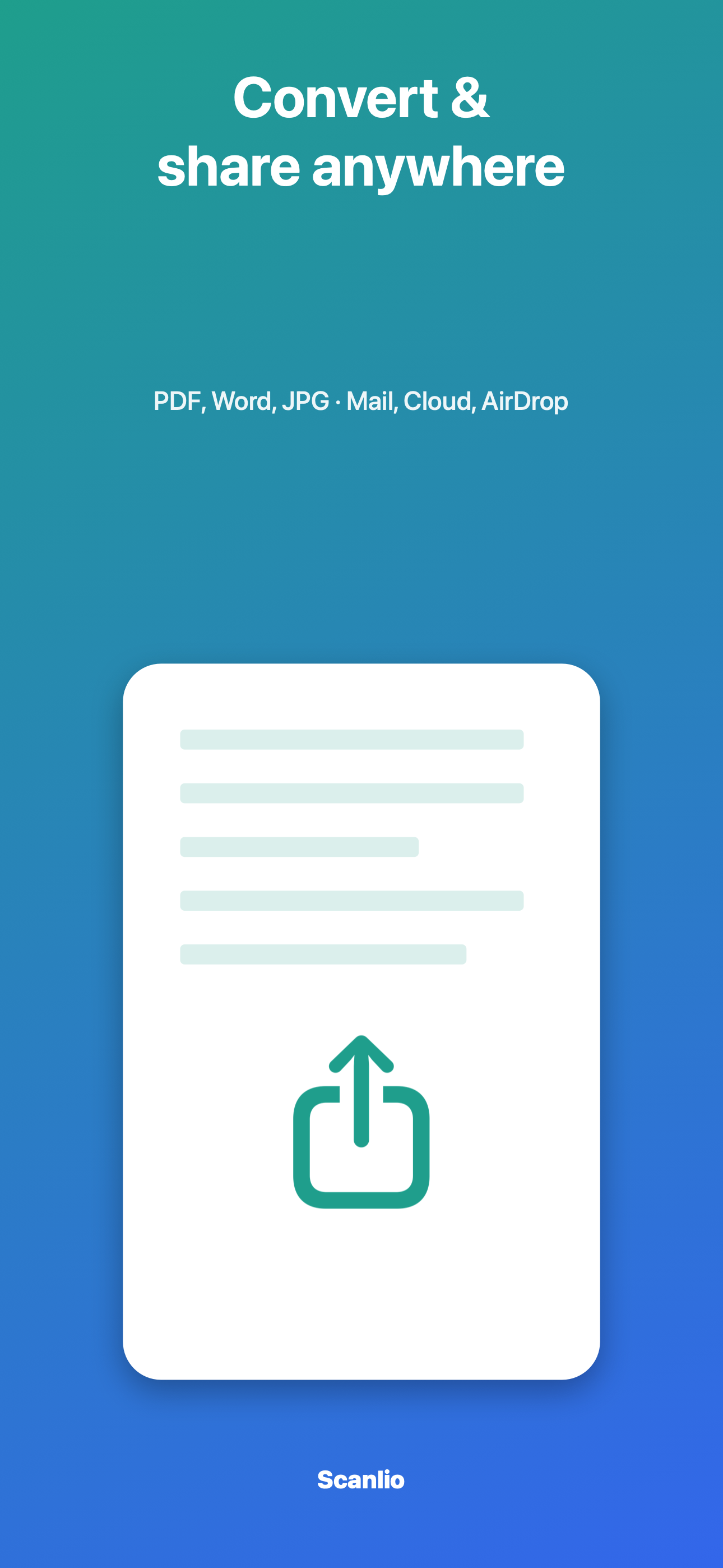
Share anywhere

Send as PDF, JPG or Word via Mail, AirDrop, Cloud or any app.

Designed to be a joy to use

Clean, fast and fully localized in 34 languages.

ScanOCR Edit & signID scan Convert & share

Guides & comparisons

Honest, sourced answers to the questions people ask before choosing a scanner app.

Best PDF scanner apps (2026 comparison)

Scanlio vs Adobe Scan, CamScanner, Genius Scan, Scanner Pro, Microsoft Lens and Apple Notes: price model, OCR, signing, watermark, cloud lock-in.

PDF scanner without a subscription

Which scanner apps can be used without a renewing plan, and how Scanlio's free allowance and Lifetime option work.

How Scanlio works

A plain-language walkthrough: scanning, ID mode, OCR, the editor, conversion, sharing and privacy.

OCR scanner app for iPhone

How on-device OCR turns a scan into searchable, copyable text, and how to get accurate results.

Sign a PDF on iPhone

Draw a signature once, place it on any PDF, add dates and names, and share, without uploading the document.

Adobe Scan alternative

For people who want OCR and signing without Adobe Document Cloud or a separate Acrobat app.

CamScanner alternative

Scans without a watermark, with OCR, signing and editing in one app.

Genius Scan alternative

Built-in signing, OCR and PDF editing instead of companion apps and cloud add-ons.

Scanner Pro alternative

A scanner that also runs on Mac and supports iOS 17.

Scanlio for receipts

A receipt and expense workflow for freelancers: scan, OCR, search by vendor, bundle a month into one PDF.

Scanlio for students

Handouts, whiteboards and notes into searchable PDFs; annotate on iPad, continue on Mac.
Free to download. Upgrade when you need more.

Scan for free. Scanlio Pro unlocks OCR, PDF editing, e-signature, conversion and unlimited exports — and removes ads.

YearlyBEST VALUE · SAVE ~92%
3-day free trial
~$20/yr
Monthly
Billed monthly
~$12/mo
Weekly
Billed weekly
~$5/wk

Prices shown in your local currency at checkout. Cancel anytime. Subscriptions renew automatically unless cancelled 24h before the period ends.

Get Scanlio free

Your documents never leave your device

Scanning, OCR and editing all happen on-device. No account, no upload, no tracking of your files — privacy by design.

Frequently asked questions

Is Scanlio free?

Yes — download and scan for free. A Pro subscription unlocks OCR, PDF editing, e-signature, format conversion and unlimited exports, and removes ads.

Does it work on iPad and Mac?

Yes. Scanlio is a universal app for iPhone, iPad and Mac.

Are my documents private?

Absolutely. Scanning, text recognition and editing are performed on your device. Your documents are never uploaded to our servers.

How do I cancel my subscription?

Open the App Store → your account → Subscriptions → Scanlio → Cancel. You keep Pro until the end of the period.

How do I get help?

Visit our Support page or email support@scanlio.app.